
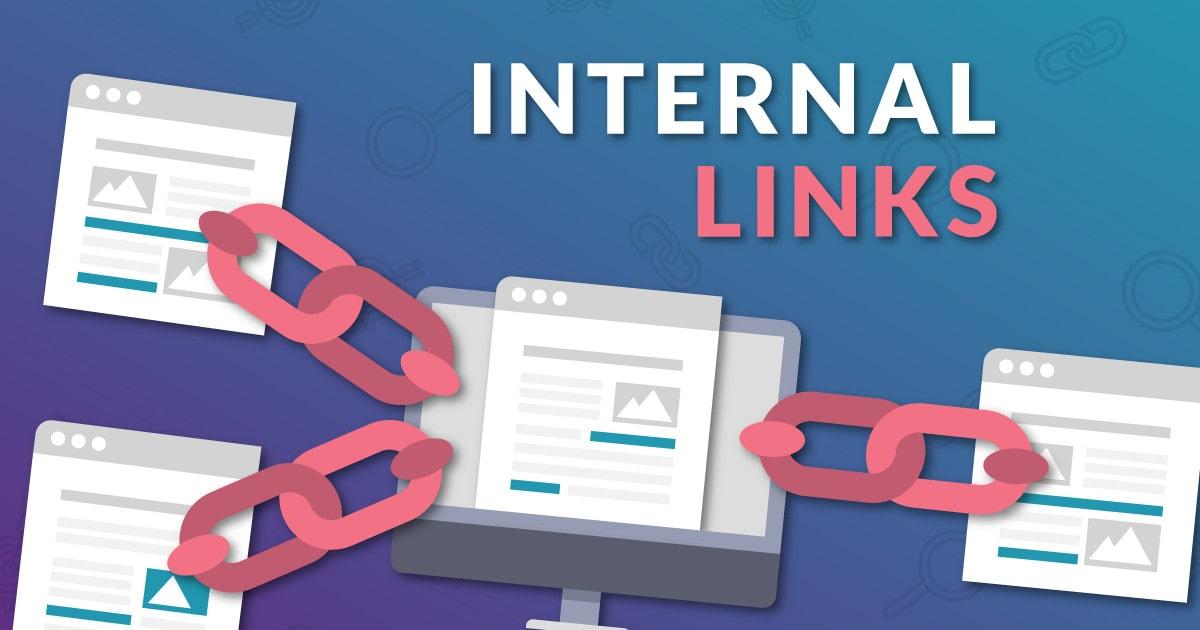
Creating many articles about the same broad subject does not automatically make a website authoritative. The way those pages are connected also matters.
This is where internal linking becomes important. By connecting related pages, a website can create clearer relationships between topics and help both readers and search engines understand how its content fits together.
A thoughtful internal linking strategy can turn separate articles into a connected content network instead of leaving each page to work on its own.
What Is Internal Linking?
Internal linking means connecting one page on your website to another page on the same website.
These links can guide readers toward related information while also creating connections between different parts of your content.
For topical authority, the value is not simply having more links. The important part is making sure the links are relevant and meaningful.
When several pages discuss different parts of one subject and are connected naturally, the website creates a stronger overall topic structure.
How Internal Linking Builds Topic Relationships
Think of your website as a collection of information rather than a list of individual articles.
One article may introduce a broad topic, while other pages discuss specific areas related to it. Internal linking connects these pieces together.
This creates a clearer path between broad and detailed information. Readers can move from one topic to another without leaving the website, while search engines can discover relationships between the pages.
Yoast explains that contextual internal links help search engines understand how pages relate to one another and contribute to a clearer site structure.
Connect Supporting Content to Important Pages
Not every page on a website needs to have the same level of importance.
Some pages may cover broad subjects, while others provide more detailed information. Your internal linking structure can reflect this difference.
Supporting articles can link to a more comprehensive page when the connection is relevant. The broader page can also link back to supporting content where readers may need additional information.
This creates a two-way relationship instead of leaving important pages disconnected.
Use Descriptive Anchor Text
The words used for an internal link also matter.
Avoid using vague phrases that provide little information about the destination page. Instead, use anchor text that clearly describes what readers will find after clicking.
Descriptive anchor text gives users a better idea of where the link leads and adds useful context to the relationship between pages.
However, anchor text should still sound natural. Repeating the exact same phrase for every link can make the content feel forced.
Build Content Around Connected Topics
A strong internal linking strategy works better when your content itself has a clear structure.
Start by identifying an important main topic. Then create supporting content that covers related subtopics.
Instead of treating each article as a separate piece, connect them through relevant internal links.
This creates a content network where pages support one another.
For a deeper look at building topical authority, see Topical Authority: How to Build It for SEO and GEO.
Avoid Random Internal Links
Adding links simply to increase the number of internal links can weaken the overall structure.
Every link should have a reason.
Ask whether the destination page adds useful information to the current topic. If the connection is weak, the link may not improve the reader’s experience.
Relevant connections are more useful than a large number of unrelated links.
Watch for Orphaned Pages
An orphaned page is content that has few or no internal links pointing toward it.
These pages can become difficult for users to discover through normal website navigation. They may also be less connected to the wider topic structure of the site.
Regularly reviewing your pages can help identify content that needs stronger connections.
Site Advice also highlights discovery, topical relationships, and descriptive anchor text as important parts of effective internal linking.
Review Your Internal Link Structure
Internal linking should not be treated as a one-time task.
As your website grows, new articles are published and older content changes. A link that made sense several months ago may no longer be the most useful connection.
Review important pages regularly. Look for missing links, irrelevant links, disconnected content, and opportunities to connect closely related articles.
This keeps your website structure organized as your content library becomes larger.
Final Thoughts
Internal linking is more than a way to help visitors move around a website.
When relevant pages are connected carefully, internal links can create stronger relationships between related topics and make the overall content structure easier to understand.
The goal is not to add links everywhere.
Instead, build meaningful connections between pages, use clear anchor text, connect supporting content to important resources, and regularly review pages that have become disconnected.
A well-planned internal linking structure can help turn a collection of individual articles into a more organized and connected source of information.